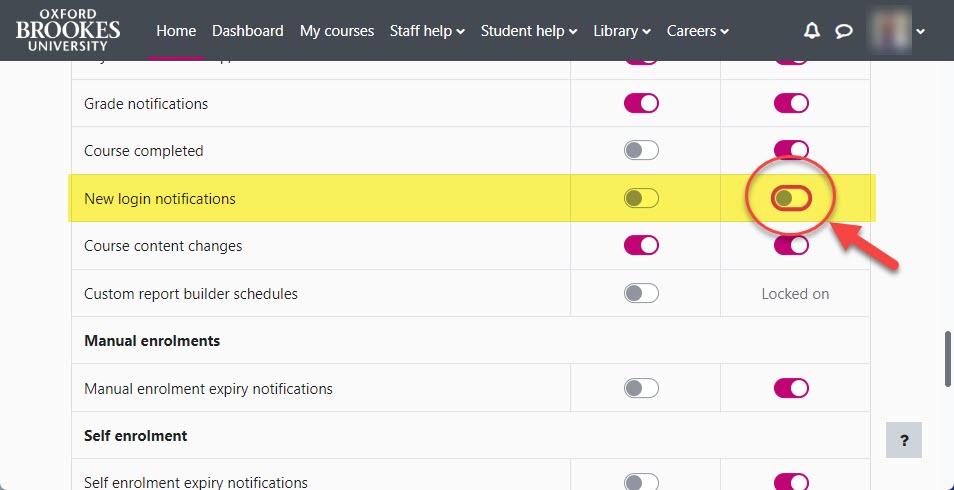
Moodle 4 introduces a security enhancement whereby a user will receive an email when logging in from a new device/location for the first time.
It is possible for you to disable this notification by completing the steps below:
- Using the navigation menu at the top of any Moodle page, click on the icon to right of your profile picture, then select ‘Preferences‘:

- From the Preferences page, click on ‘Notification preferences’:

- Scroll down and locate the ‘New login notifications’ setting and click on the far right toggle to set the state to ‘Off’: