
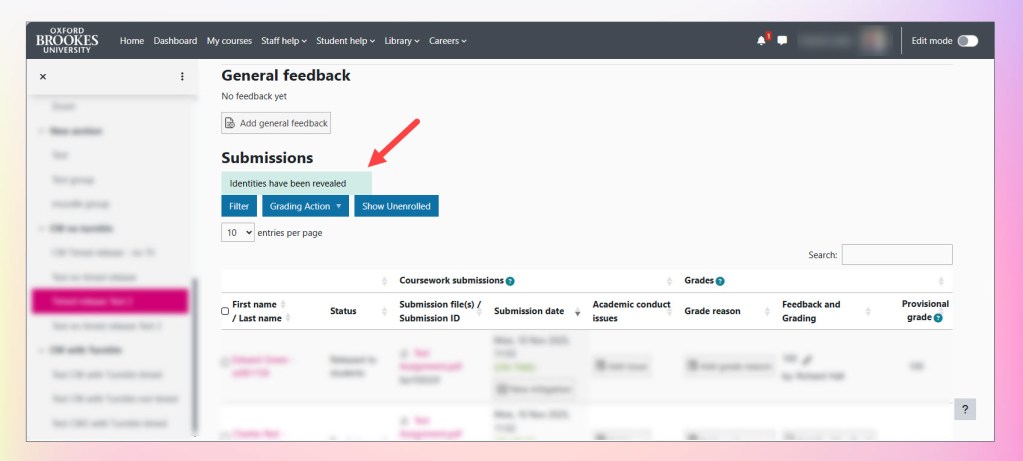
Where blind marking has been selected for your dropbox, you may wish to deanonymise the dropbox and reveal the identities of the students against their submissions.
This, by itself, will not reveal the grades to students but may be also be done as part of releasing the grades to students (See: How do I release marks and feedback to students from a Coursework activity?)
Following the guidance in this document will reveal identities for all students in the Coursework activity, and once done, cannot be reversed.
It is not possible to deanonymise an individual student. Should you need to know the identity of an individual student, please contact your Faculty DMeLD who will be able to let you know the student’s name (please include the link to the Coursework activity and the corresponding ‘Submission ID’ in any communication).
To reveal the identities of the students in a Coursework activity:
- Go to the assessment dropbox.

For event Courseworks and any other assessment where students are not marked anonymously using ‘Blind marking’, the ‘Reveal identities’ button will not appear.