
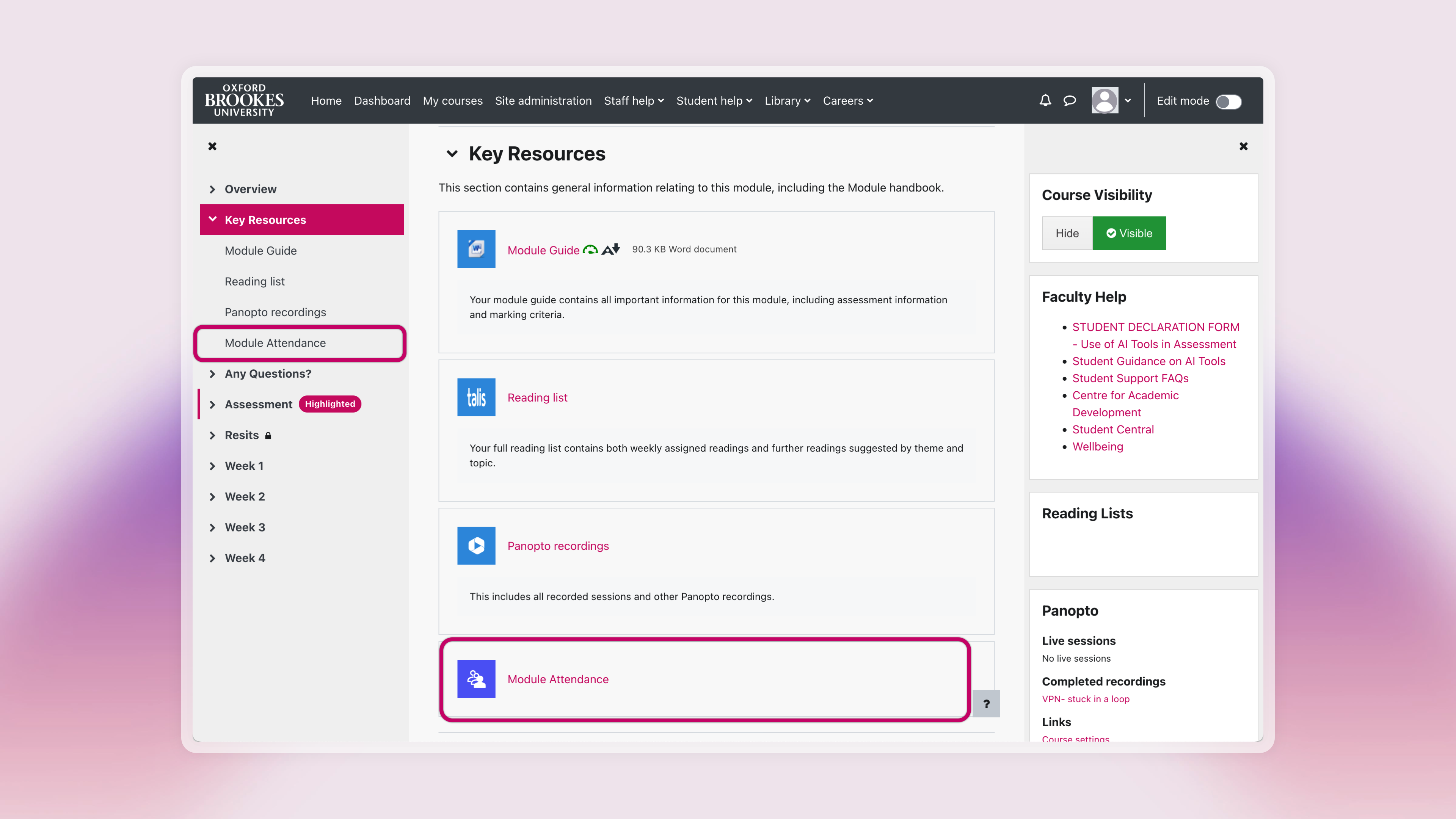
The Module Attendance activity appears automatically as a link in the Key Resources section of your module and is signposted with a purple icon next to it. Below the activity title, there is a quick description and a link to the student guidance, to help students find support quickly.
Important
Do not change the title of the Module Attendance activity nor move the activity itself. The link should always appear in the Key Resources section of your module with the title Module Attendance (title case). Changing the name of the activity in any way will result in the system generating multiple attendance links in your module.